This week I get into the nitty-gritty of technique, the basic animation principles, and create my own logo stinger.
Reading & Writing: Technique
So far Animated Storytelling by Liz Blazer has explained pre-production, storytelling, sound, and color for animation. In Chapter 8 she covers the final piece of the pre-production process: knowing what technique to use. Every aspect of your animated piece that has been planned so far can be enhanced by the right style of animation. She listed the styles and their uses for you to consider:
- Hand-drawn animation is best for more expressive and emotionally-driven work. This is the most common traditional form of animation, but is quickly gaining competition due to the relative ease of computer-generated animation. Still, it is an option – and a great one – for many animated films.

Cel animation is a hand-drawing technique where each frame is drawn on a transparent sheet so that the next frame can easily be created through onion skinning. This type of animation is not at all common in modern animation, but the cels from popular shows are actually very popular among collectors.
- Stop-motion animation (explored in my previous post) is another form of traditional animation that is not as popular as it once was, but is still used for the purpose of setting a specific tone. This is one style that is highly dependent on story – since this is probably the most time consuming technique you should really be sure that it does enhance your story. Almost every stop-motion film that I have watched in recent years has done just that.
- 2D CGI is one of the most common form of animation now since it is relatively quick and easy to make. It can be easily combined with traditional animation to cut out some steps of drawing every single frame. This is very common in children’s shows are 2D characters are seen as more “relatable”.
- 3D CGI is dominating animation (at least in the United States) right now, and for good reason. They are like stop-motion where there are 3D figures in a 3D space – but now with no limitations. However, it has a much different “feel” than other forms of animation. As the Nostalgia Critic puts it, unlike 3D CGI “hand-drawn [animation] surprisingly takes more life to create…as each drawing has to be done from scratch the majority of the time.”
If you feel like a technique that you know nothing about would be the best for your story, you can still do you best to adapt it into something you already know. Still, challenge yourself! The best way to grow as an artist is to take risks and dive into new art forms, even if it may seem scary.
Research to Inform: The 12 Principles of Animation
This week we were introduced to The 12 Basic Principles of Animation. Each one is something that everyone has seen, but that I have just started to actually notice. Researching each of these principles has proven to me that animating is a lot more than simply knowing a program and being good at art. While I will explain some of the principles with examples below, check out this video for a great explanation of all 12.
This cute animation is a perfect example of squash and stretch – the principle that shows weight and flexibility in objects. Basically, if something gets squashed (usually from downward momentum) then is must get stretched to maintain the same mass. Pay attention to the birds’ bodies as they bounce up and down. Each time they get a bit wider and a little more squashed, making for a very bouncy and fun feeling.
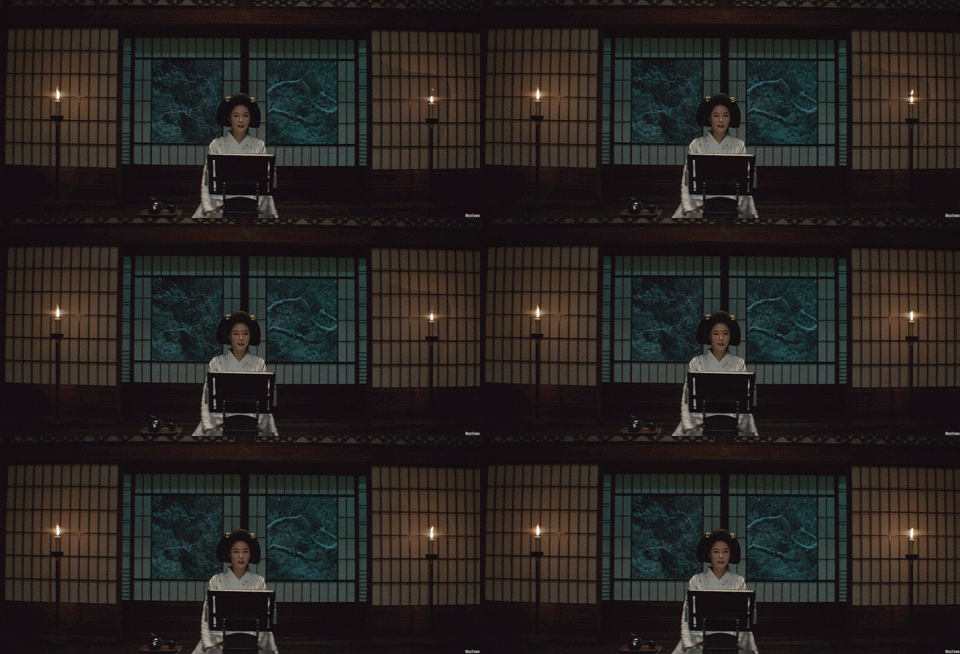
Among Us is a party game that rose to popularity within the past month where there are up to ten crewmates on a ship with two impostors (who want to kill them all) aboard the ship. While it is quick, in each of the kill animations there is a feeling of anticipation for what is about to come. Along with the sound and background hinting to the impending doom, each kill animation has some sort of “rearing up” before the kill. For the first one, the knife is pulled back before being thrust forward so that the player can see it and understand what is happening. For the final one the hands are exaggerated to show that they are the weapon of choice, brought up in the air, then quickly used to snap the poor crewmate’s neck. Each one has a tiny moment before the actual kill happens so that there is a moment (literally a split second) to know what is happening.
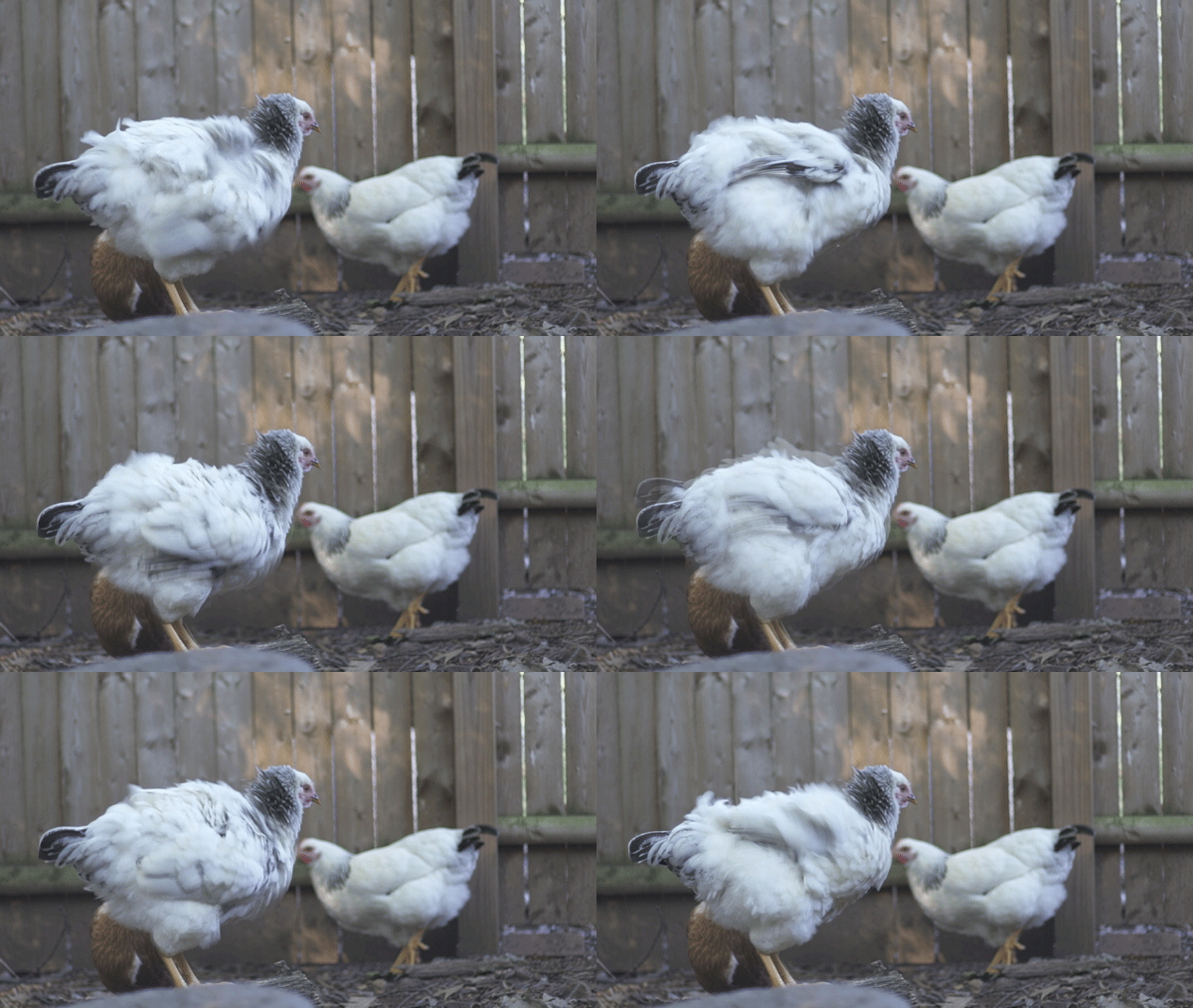
I Lost My Body is a great animated film and immediately came to mind when I thought of the laws of physics in animation. Even though I could not find the clip I was looking for, the follow through and overlapping action in this animation is even seen throughout this trailer. As the main character’s hand is traversing the city, trying to find his way back to his body, he is constantly moving – and the movement feels real. This is because it is animated with a sense of inertia; parts of the body (or hand) continue to move forward when the action is put to a halt since that is how real life works.
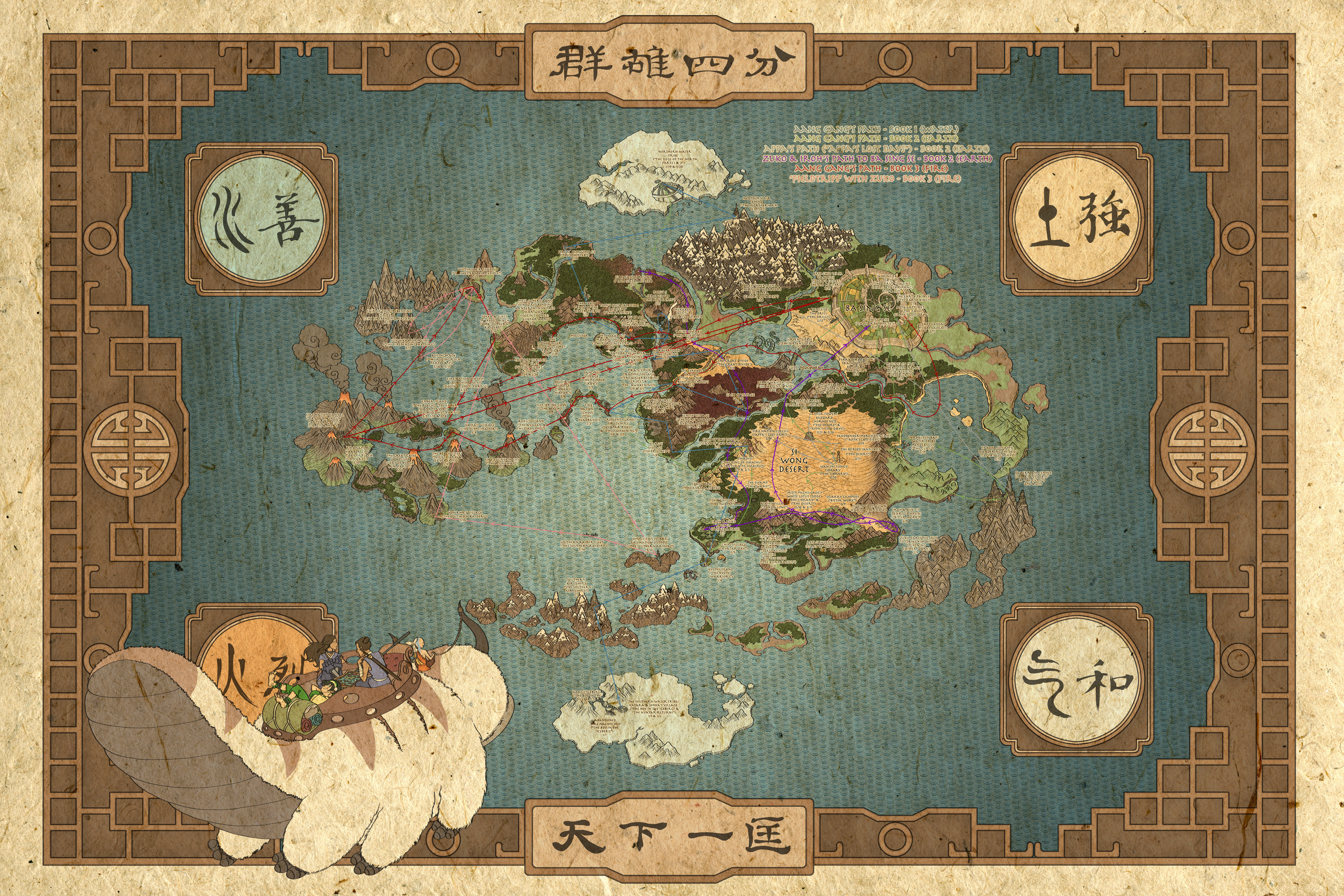
Spoiler warning for those of you who have not seen Avatar: The Last Airbender yet (if you haven’t, what are you doing? It’s on Netflix – stop reading and binge it all now!). In every fight scene (or scene with lots of movement) in this show, everyone moves in arcs. In this fight in particular Aang and the elements he bends do not make a straight line until he reaches the Avatar state. Like in real life, the power and speed of his bending at that point allow for straight lines to occur, like when he is blasting Ozai with air. This is one of many reasons this show was great – it really made bending feel like it was real by how realistically it was animated.
This music video has both good secondary animation and staging. Secondary animation are elements are are moving, but emphasize rather than take away from the main action. This is seen in the washing machine, cars, and lights racing by – but the attention is not every taken from the characters. The lights also serve as a way to stage the action – they are almost always on either side of the characters as if to frame them. The characters are also generally in the center of the frame.
Create: Logo Stinger – YouTube Channel Animation
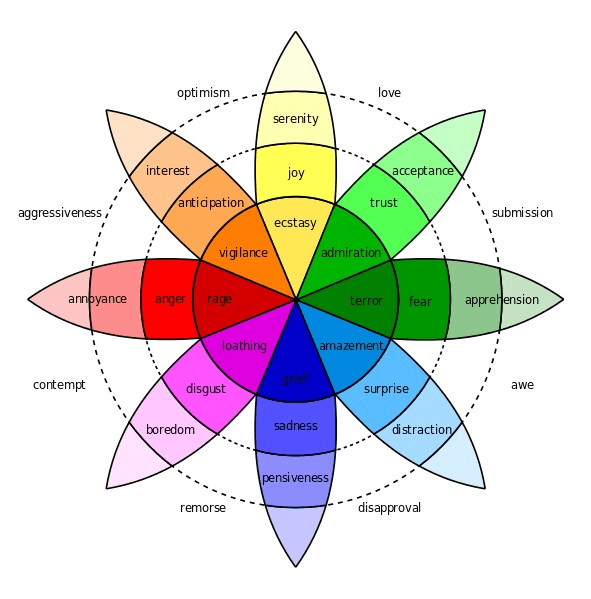
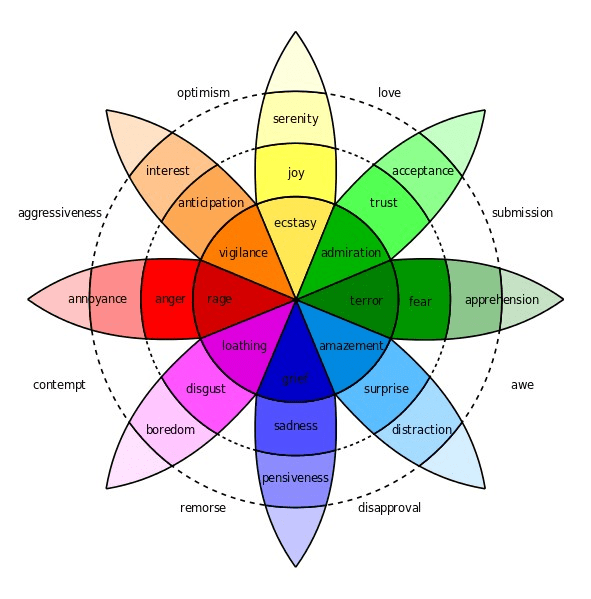
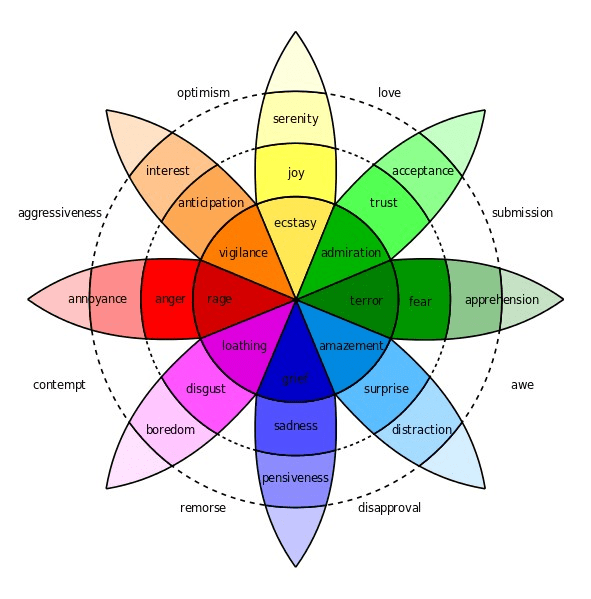
This week I set out to create a logo stinger for my YouTube channel. This required quite a bit of work since I not only had to animate my logo, but I had to make on in the first place. In designing my logo I referenced the color emotion guide – I stuck with a pinkish-purple vibe to inspire creativity and imagination.
Next I thought about how to animate it. I wanted the main focal point to be my name since it is the name of my brand/channel. To keep that the center of attention I had only simple secondary animations of the three little images moving in and the background squiggle appearing. I still kept in mind the principle of slow in and slow out so that the animation looked a little less robotic.
I used the pen tool to create the path for the pen icon to spell out my name. Then I masked out each stroke of my name and animated them to appear in the direction the stroke went as the pen passed over it. This required thirty different masks and lots of tweaking to get right – but I am happy with how it turned out.
Lastly, I added some sound. There is a sound effect of the writing (which I had to slow down so it could sort of match the pen animation) as well as the upbeat music. Each video I intro with different music so that is subject to change. The logo will also probably stay on screen a moment longer before fading out, but the length I exported it at made the music go in a perfect loop.
As I learn more about animating in After Effects I may update my logo stinger, but for now I am proud of what I have done since I am new to the program. Let me know what you think!

















 Emma Lao


